WhatsApp Marketing
WhatsApp Broadcast List vs Group vs Community vs Channel: Which Should Your Business Use?
Broadcast lists, groups, communities and channels compared: limits, privacy, pros and cons, and when each one works for a small business.
By the WAStore team9 min read
In this guide
Sooner or later every business on WhatsApp wants to tell lots of customers the same thing at once: new stock is in, the shop is closed on Monday, the weekend offer has started. WhatsApp gives you four different ways to do that — broadcast lists, groups, communities and channels — and they behave very differently.
Pick the wrong one and you'll leak customers' phone numbers to each other, end up moderating a noisy group chat, or send messages that simply never arrive. Pick the right one and you get a cheap, direct marketing channel with open rates email can only dream of.
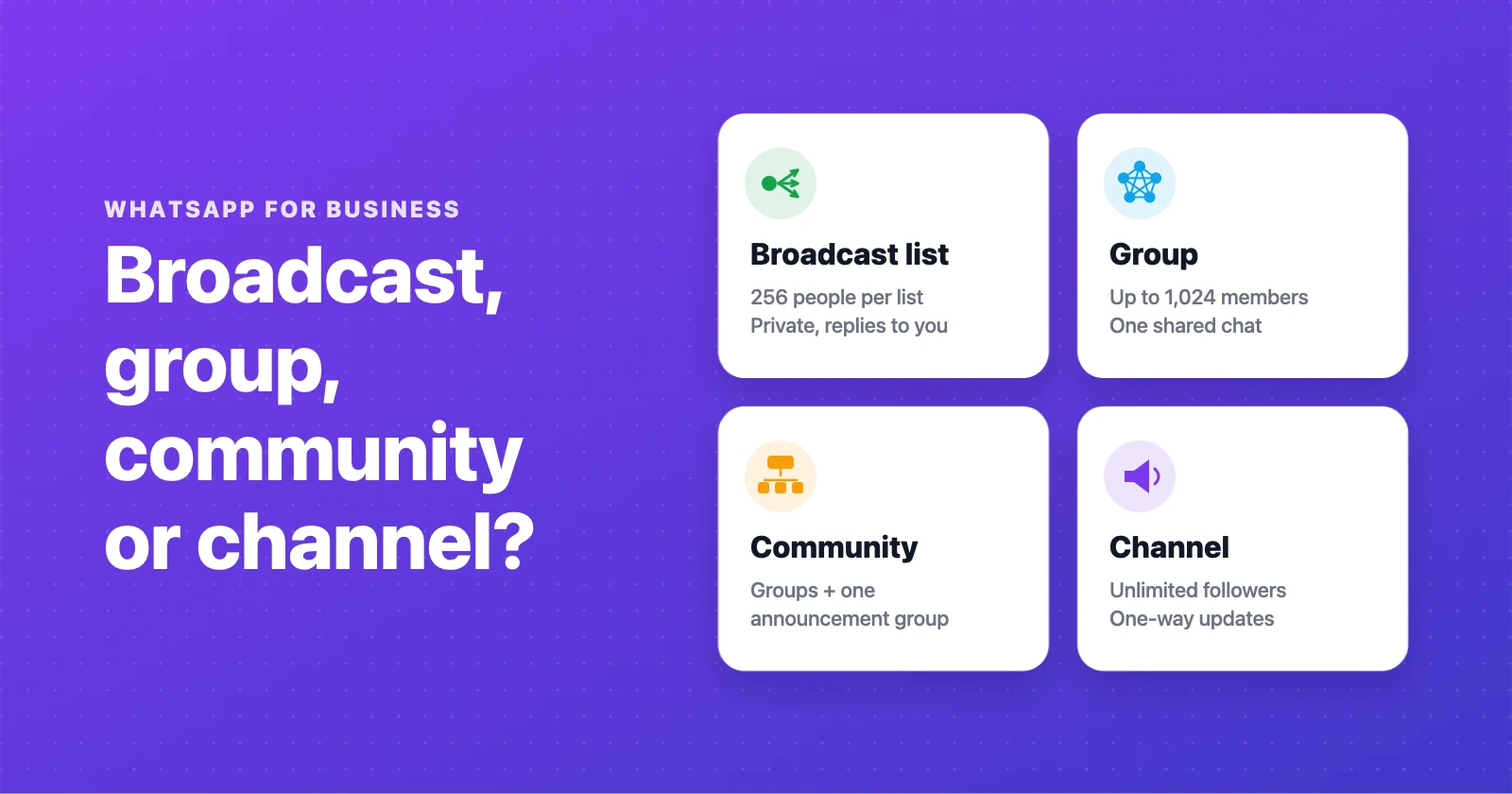
The four options at a glance
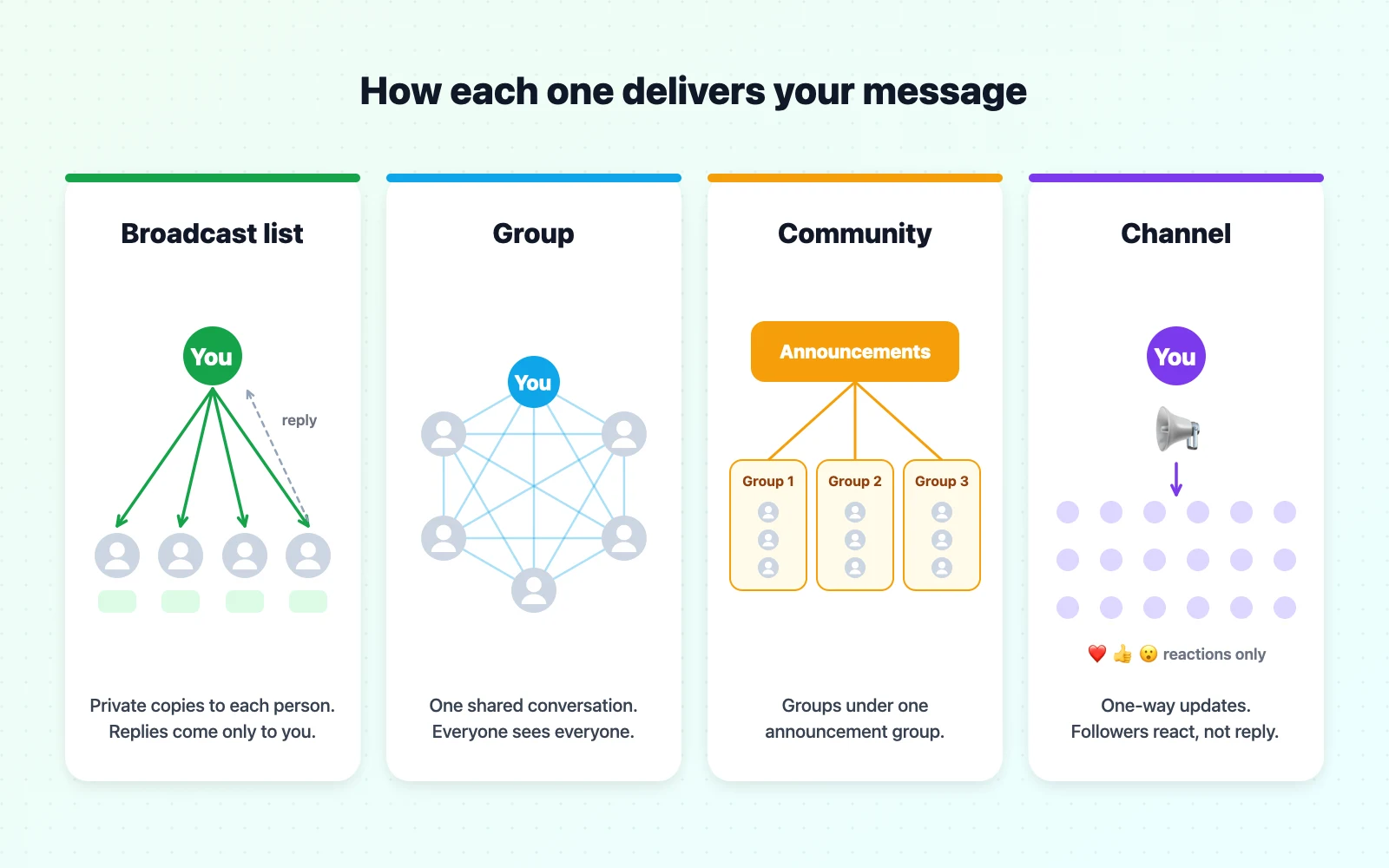
| Broadcast list | Group | Community | Channel | |
|---|---|---|---|---|
| How it feels to the customer | A private message from you | A shared group chat | A set of groups plus announcements | Following an account |
| Maximum audience | 256 per list | 1,024 per group | Several groups plus an announcement group for thousands | Unlimited followers |
| Who sees members' numbers | Nobody | All members | Members of the same group; hidden in announcements | Nobody |
| Can people reply? | Yes, privately to you | Yes, to everyone | In groups yes; announcements are admin-only | Reactions and polls only |
| Requirement | Recipient must have saved your number | Invite or link | Invite or link | Anyone can follow |
| Best for | Personal offers to existing customers | Clubs, classes, VIP buyers | Schools, neighbourhoods, multi-branch businesses | Public updates and new followers |
WhatsApp broadcast lists
A broadcast list is a saved list of contacts you can message all at once. Each recipient receives your message as a normal one-to-one chat from you, and if they reply, the reply arrives in your private chat with them — nobody else sees it.
How to create a broadcast list
- In WhatsApp or WhatsApp Business, open the chats menu and choose New broadcast (on iPhone, look for Broadcast lists in the Chats screen).
- Select up to 256 contacts.
- Name the list — "Regulars", "Wholesale", "Cake customers" — and create it.
- Type your message and send. Each person receives it individually.
Pros
- Feels personal. It arrives as a private message, so it reads like a note from you, not an announcement.
- Private. Recipients can't see each other's names or numbers, or each other's replies.
- Replies turn into sales. A customer replying "I'll take two" is already in a one-to-one chat with you.
- Free in the standard apps.
Cons and limits
- 256 contacts per list. You can make several lists, but you send to each one separately.
- Only people who saved your number receive it. This is the most common reason broadcasts "don't work". Ask customers to save your number — your greeting message is a good place to do it.
- No scheduling or stats in the classic version beyond delivery and read ticks.
- Easy to overdo. Every unwanted message risks a block or a report, which hurts your account's standing.
Broadcast messages that work
A broadcast should be short, specific and useful, and it should end with one clear action. This is the kind of message customers forward to friends:
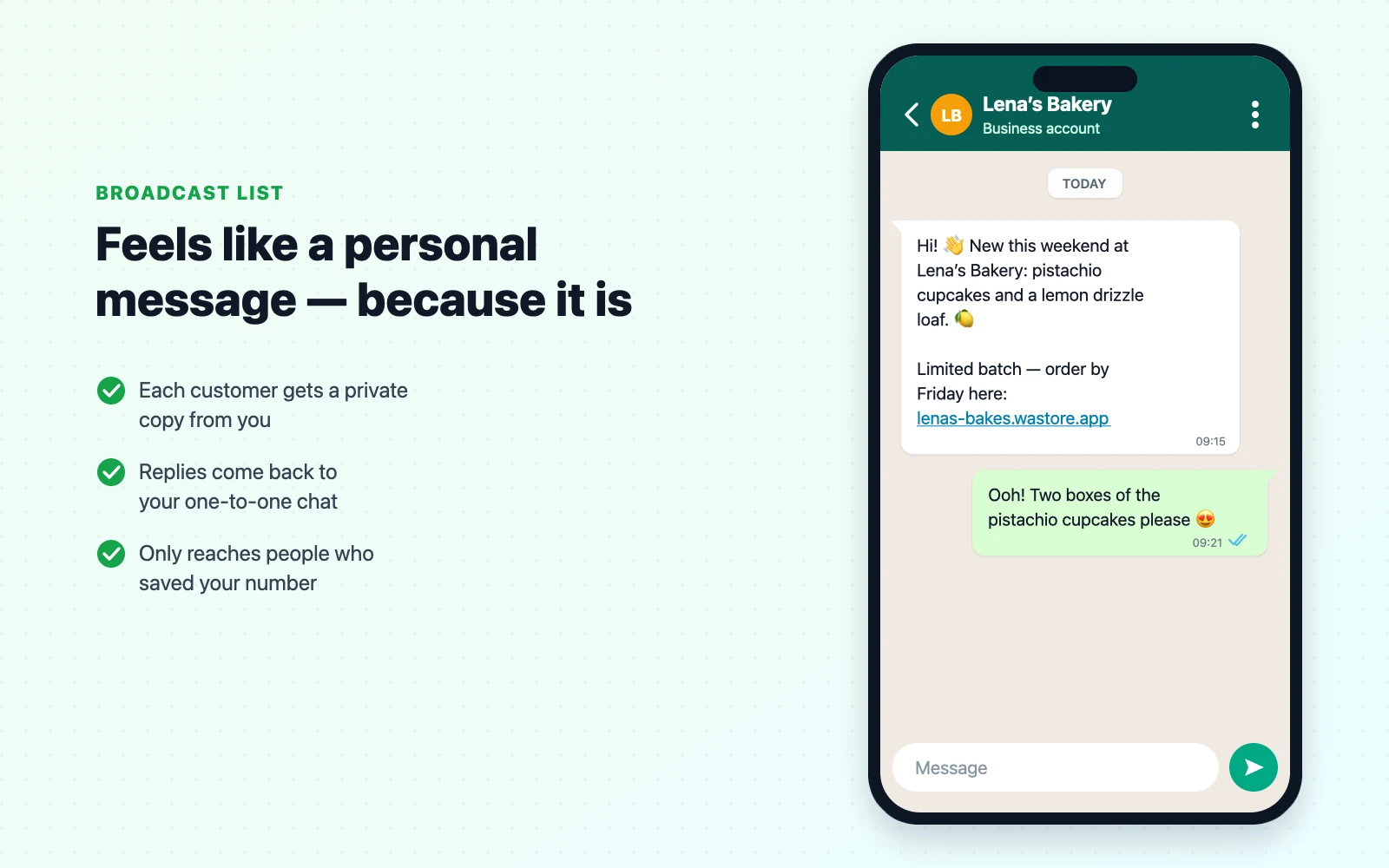
New stock broadcast
Hi! 👋 New this week at [Business name]: [product 1], [product 2] and [product 3].
Limited quantities — order here before Friday: [store link]
Weekend offer broadcast
This weekend only: [offer] on everything in [category]. 🎉 Use code [CODE] at checkout: [store link]
Ends Sunday at midnight.
Opt-out line to add at the end
Don't want these updates? Reply STOP and we'll remove you.
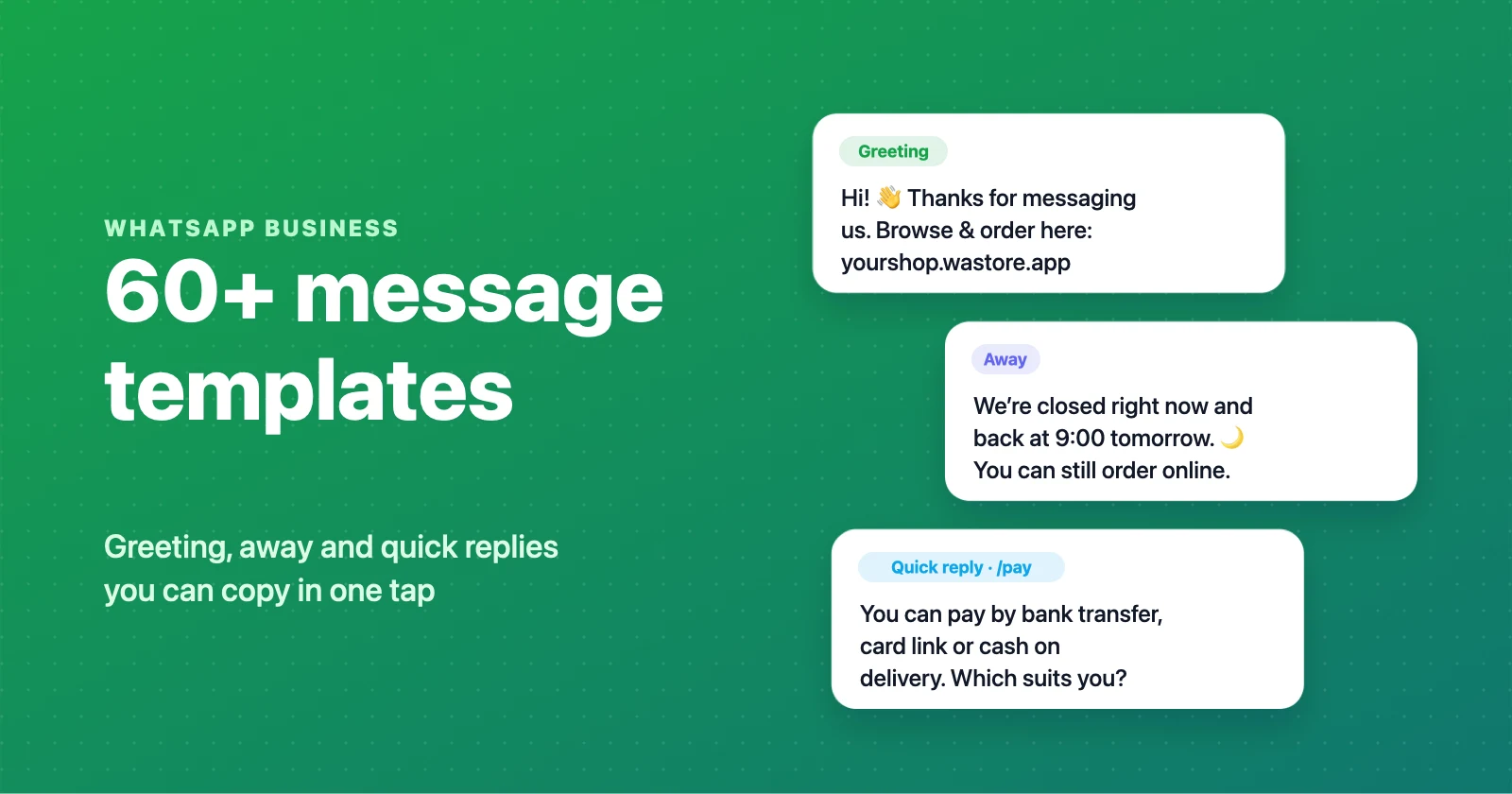
For more ready-made texts, see our WhatsApp Business message templates.
WhatsApp groups
A group is one shared conversation. Everyone sees every message, every member can see the others' names and phone numbers, and — by default — everyone can post.
Pros
- Two-way and social. Members can ask questions, share photos and answer each other. For a running club, a craft class or a neighbourhood food group, that conversation is the value.
- Up to 1,024 members per group.
- Admin controls. Admins can make it so only admins can send messages (turning the group into an announcement board), approve new members, and control who can edit the group info.
- Invite links. Share a link or QR code and people join themselves.
Cons
- Privacy. Members see each other's phone numbers. For a business putting customers who don't know each other in a group, that's a real privacy problem — and in many countries a data protection one.
- Noise. Busy groups get muted, and muted groups don't sell.
- Public complaints. One unhappy customer can turn the group into a support queue in front of everyone.
- Moderation work. Spam, off-topic posts and arguments need someone to manage them.
When a group is the right choice
Use groups when the members want to talk to each other: a class you teach, a buyers' club for your most loyal customers, a group of resellers or wholesale buyers, or a team. For a general customer list, use a broadcast list or a channel instead.
WhatsApp communities
A community is an umbrella over several related groups. When you create one, WhatsApp also creates an announcement group where only admins post — so you can send one message to everyone in the community at once — while the smaller groups keep their own conversations.
Pros
- Organised. One community for your brand, with separate groups for, say, each branch, each class or each product interest.
- Large reach. The announcement group reaches members across all the groups in one message.
- Better privacy than a single big group. In the announcement group, members don't see each other's phone numbers unless they share a smaller group.
Cons
- More setup and admin than a broadcast list or channel.
- Still group dynamics in the sub-groups, with the same moderation work.
- Overkill for most small shops, which rarely need more than one audience.
When a community is the right choice
Communities suit organisations more than shops: schools, gyms with several classes, neighbourhood associations, franchises with several locations, or a brand that runs separate groups for different product lines.
WhatsApp channels
A channel is a one-way broadcast tool. You post updates — text, photos, videos, polls, links — and people who follow the channel see them in the Updates tab, next to Status. Followers don't see each other, they don't see your phone number, and they can't reply inside the channel: they can only react with emojis and vote in polls.
Pros
- No audience limit and no need for people to save your number.
- Private for both sides. Admins' and followers' phone numbers aren't shown to each other.
- Discoverable. People can find and follow channels, and you can share a channel link anywhere — your Instagram bio, your store, your packaging.
- Low risk. Followers chose to follow, and they can unfollow in one tap, so channels don't generate the reports that pushy broadcasts do.
Cons
- No conversation. Every question still has to come to your chat. Always include a link to message you or to order.
- Lower attention. Channel updates sit in the Updates tab, not the main chat list, so they're less likely to be seen than a private message.
- Followers aren't customers yet. You can't message channel followers individually unless they contact you.
When a channel is the right choice
Use a channel for public, low-pressure updates to a wide audience: new collections, menus of the day, opening hours, behind-the-scenes photos. Treat it like an Instagram feed inside WhatsApp, and always point it at your store.
Which one should your business use?
Here's how that maps to common situations:
| Situation | Best tool | Why |
|---|---|---|
| Telling regular customers about new stock | Broadcast list | Personal, private, replies come to you |
| Daily menu or "what's fresh today" | Channel | Public, unlimited, no spam risk |
| A class or club you run | Group | Members want to talk to each other |
| Resellers or wholesale buyers | Group with admin-only messages, or a broadcast list | Shared updates without customer data leaking to retail buyers |
| Several branches or product lines | Community | Organised groups plus one announcement group |
| A one-off big announcement to everyone | Channel plus broadcast lists | Reach followers and customers |
| Order updates for one customer | Their one-to-one chat | It's personal; never use a group |
Rules to protect your WhatsApp account
WhatsApp is strict about unwanted messages, and those rules apply to every tool on this page.
- Only message people who asked. A customer who ordered once didn't automatically sign up for weekly promotions. Ask: "Would you like updates on new arrivals?"
- Make it easy to stop. Add a line like "Reply STOP to unsubscribe" and honour it straight away.
- Don't add people to groups without asking. It's the fastest way to collect reports.
- Send less, but better. One great message a week beats one mediocre message a day.
- Watch the signals. If people block you or leave after a broadcast, change what or how often you send.
- Know your local rules. Marketing and data protection laws (like GDPR in Europe) can apply to WhatsApp messages too.
Turn interest into orders
All four tools have the same weak spot: they're great at starting a conversation and bad at taking an order. If every broadcast leads to fifty chats asking "how much?" and "do you have size M?", you've traded one problem for another.
The fix is to send people somewhere they can see prices, pick items and send a complete order without waiting for you. A WhatsApp store does exactly that. With WAStore you create a catalog with categories and a cart in about 90 seconds; customers tap your link, fill their cart, and the finished order arrives in your WhatsApp chat — items, quantities, total and delivery details included. It's free for up to 50 products, and the same link works in broadcasts, channels, groups and your Instagram bio.
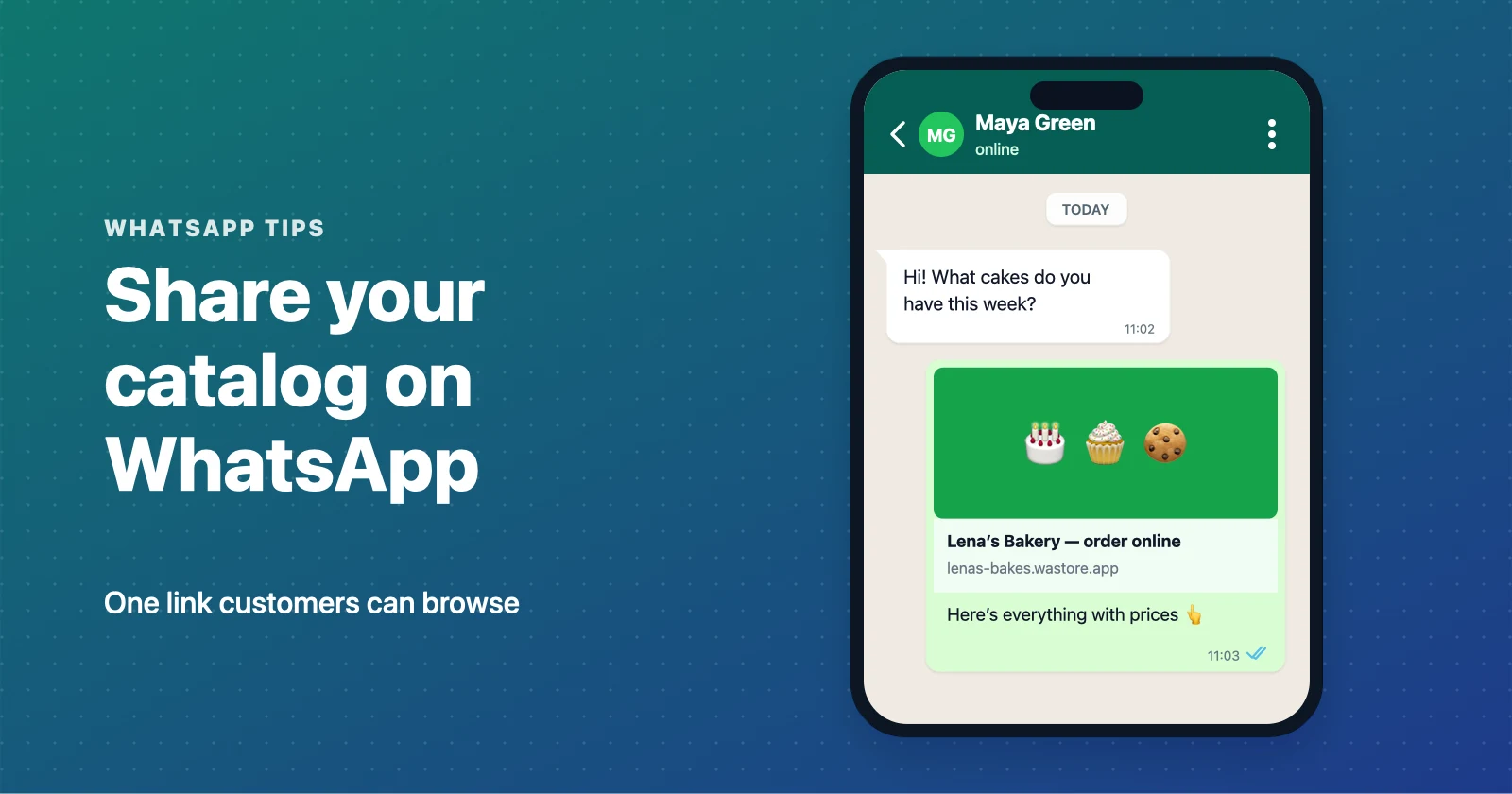
Next steps: learn how to share your catalog on WhatsApp, or grab our message templates for your first broadcast.
Frequently asked questions
What is the difference between a WhatsApp broadcast list and a group?
A broadcast list sends your message to each person as a private one-to-one chat; recipients don't see each other and their replies only come to you. A group is one shared conversation where every member sees every message and each other's numbers, and anyone can reply to everyone unless admins restrict it.
How many people can I add to a WhatsApp broadcast list?
Up to 256 contacts per broadcast list. You can create several lists, but each message still has to be sent to each list separately.
Why are people not receiving my WhatsApp broadcast?
A broadcast message is only delivered to people who have saved your number in their phone's contacts. If someone hasn't saved your number, the message silently isn't delivered to them. Ask customers to save your number, for example in your greeting message.
How many members can a WhatsApp group have?
A WhatsApp group can have up to 1,024 members. For larger audiences, use a community, which links several groups and adds an announcement group, or a channel, which has no follower limit.
Is a WhatsApp channel good for business?
Channels are good for broadcasting updates to a large audience without sharing phone numbers, and followers can react and vote in polls. But followers can't reply in the channel, so you still need your chat for questions and orders. Always include a link to order.
Can a broadcast list see who else received the message?
No. Each recipient gets the message as if you sent it only to them. They can't see the list, the other recipients or other people's replies.
Is it legal to send promotional broadcasts on WhatsApp?
WhatsApp's policies require that people agree to receive messages from your business and can easily opt out. Data protection and marketing laws in your country may also apply. Only message customers who asked to hear from you, and remove anyone who asks to stop.
What happens if too many people block or report my business?
WhatsApp treats blocks and reports as quality signals. Too many in a short time can lead to warnings, limits on your account or a ban. Send fewer, more relevant messages to people who opted in.
Build a free WhatsApp store in about 90 seconds
Catalog, cart and WhatsApp orders — free for up to 50 products.
Get started