WhatsApp tips
How to Share a Product Catalog on WhatsApp
Four ways to share a product catalog on WhatsApp — the native catalog, a PDF, a photo album, or a storefront link — with the trade-offs of each.
By the WAStore teamUpdated 2 min read
In this guide
There are four common ways to put your products in front of a WhatsApp customer. They are not equal.
1. The WhatsApp Business catalog
Set it up in the Business app under Business tools → Catalog. Customers see product cards inside the chat or on your business profile.
- Good for: a small set of products, quick in-chat sharing.
- Limits: no categories, no search, no cart, hard to share outside WhatsApp, and a per-catalog item cap. See WhatsApp Business catalog limits.
2. A PDF price list
Export a document and send it as an attachment.
- Good for: wholesale buyers who want a file to keep.
- Limits: goes out of date the moment a price changes, no photos at any useful size, no way to order from it, and no link previews. You end up re-sending it constantly.
3. A photo album or broadcast
Post products to your status or send an album.
- Good for: launches and one-off drops.
- Limits: disappears after 24 hours (status), no prices unless you caption every image, and ordering means scrolling back to find the right photo.
4. A storefront link
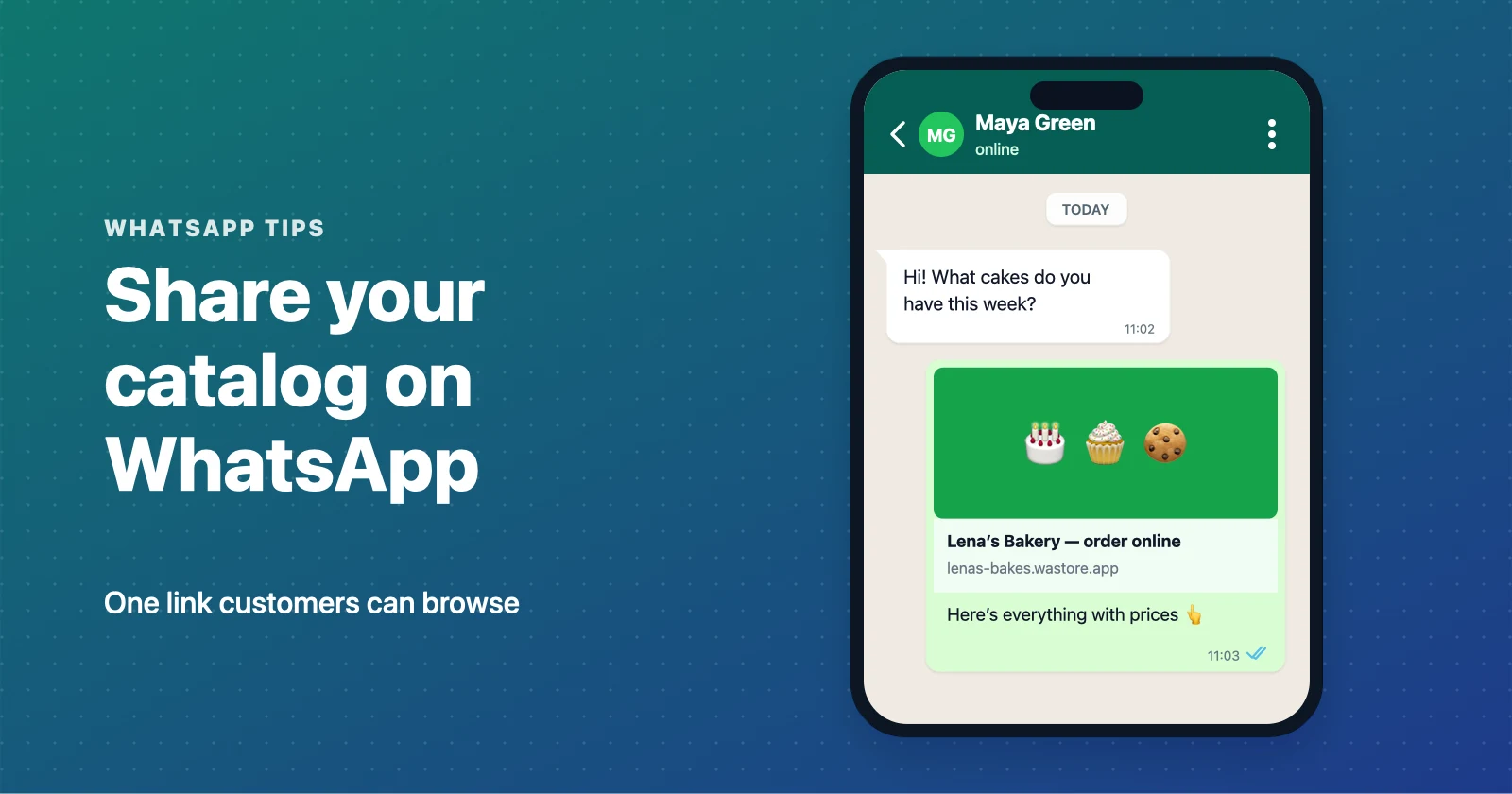
Share one URL to a hosted catalog. Customers browse by category, see live prices and stock, add items to a cart, and send a complete order to your WhatsApp.
- Good for: anyone taking more than a couple of orders a day.
- Why it wins: one link to remember, always current, works on Instagram, TikTok, and printed QR codes, and every product has its own shareable page that can rank on Google.
A free WhatsApp catalog on WAStore is live in about 90 seconds. Once you have the link:
- Put it in your WhatsApp Business profile (website field) and your away message.
- Add it to your Instagram and TikTok bios.
- Print it as a QR code for packaging, flyers, and your shopfront.
- Pin it in your WhatsApp group description if you sell through a group.
The practical answer
Keep the native catalog for fast in-chat cards if you want, but make a storefront link your main share. It is the only option that stays accurate, works everywhere, and turns a browse into a clean order. Start with a free WhatsApp store.
Build a free WhatsApp store in about 90 seconds
Catalog, cart and WhatsApp orders — free for up to 50 products.
Get started