WhatsApp Business
WhatsApp Business Catalog Limits (and How to Work Around Them)
The WhatsApp Business catalog caps items per catalog and has no categories, search, or cart. Here are the limits that matter and practical ways around each one.
By the WAStore teamUpdated 2 min read
In this guide
The catalog built into the WhatsApp Business app is a fast way to show products inside a chat. For a growing seller it also runs into limits quickly. Here is what to expect and how to handle each one.
The item limit
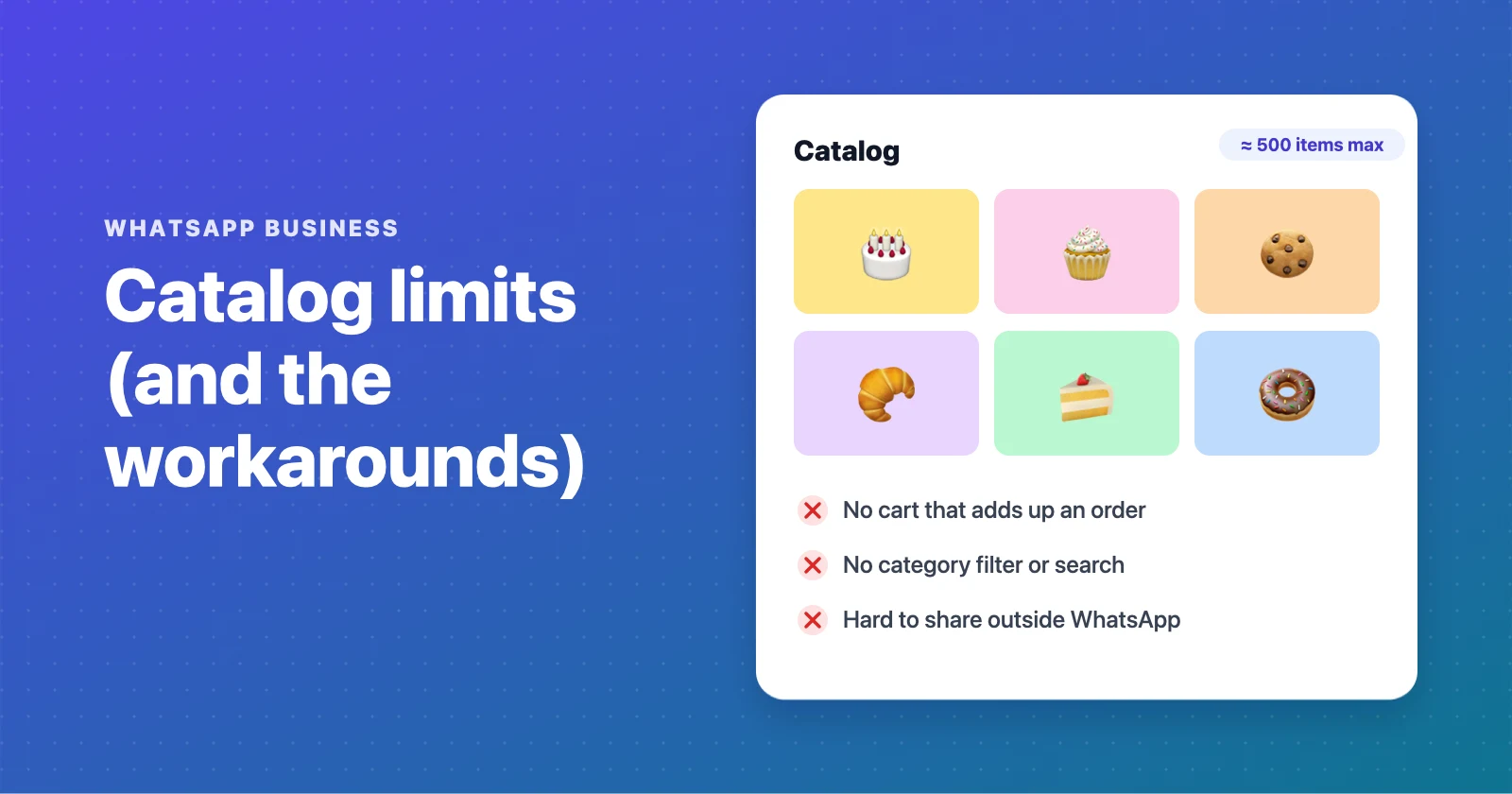
A single WhatsApp Business catalog holds up to roughly 500 items. That sounds like plenty until you list variants — every size or colour as its own product eats into it fast.
Workaround: keep the native catalog to your bestsellers and move the full range to a web storefront. A free WhatsApp catalog on WAStore allows 50 products on the Free plan and unlimited on Pro, with variants handled as options rather than separate items.
No categories
The native catalog is one flat list. Past 20–30 items, customers stop scrolling.
Workaround: a storefront with categories and search. This is the single biggest usability gap — see the full breakdown in WAStore vs the WhatsApp Business catalog.
No cart
Customers add items to a message one at a time. Multi-item orders get missed or miscounted.
Workaround: use a WhatsApp ordering system with a cart, so the customer assembles the whole order and sends it as one formatted message.
Hard to share outside WhatsApp
The catalog lives inside the app. There is no clean public URL to post on Instagram, TikTok, or a printed QR code.
Workaround: a storefront gives you one link that works anywhere. See how to share a product catalog on WhatsApp.
Not indexed by Google
Nothing in the native catalog can appear in search results. All discovery has to come from you.
Workaround: a server-rendered storefront where each product has its own indexable page. WAStore builds sitemaps and structured data for every store automatically.
No order tracking
Orders are just chat messages. There is no list of what is pending versus done.
Workaround: a dashboard. WAStore shows every order as pending, in progress, or completed, with the customer's details attached.
Do you have to choose?
No. A common setup is to keep the WhatsApp Business catalog for quick in-chat product cards and use a storefront for the browsable, shareable, searchable version that feeds orders back into the same chat. Start with a free WhatsApp store and link it from your WhatsApp Business profile.
Build a free WhatsApp store in about 90 seconds
Catalog, cart and WhatsApp orders — free for up to 50 products.
Get started