Selling on WhatsApp
How to Sell on WhatsApp: A Practical Guide for Small Sellers
A step-by-step guide to selling on WhatsApp in 2026 — setting up, sharing a catalog, taking orders cleanly, and getting paid — without a website or the Business API.
By the WAStore teamUpdated 3 min read
In this guide
WhatsApp is where a huge share of small commerce already happens. Buyers are comfortable there, replies are instant, and there is no marketplace taking a cut. The weak point is everything around the conversation: sending the same price list ten times a day, losing an order in a long thread, and having no record of what was agreed.
This guide covers a simple setup that keeps the chat and fixes the rest.
1. Decide what "selling on WhatsApp" means for you
There are three common models:
- Chat-only. You post products to your status or reply with photos, and take orders by message. Fine at very low volume; painful past a few orders a day.
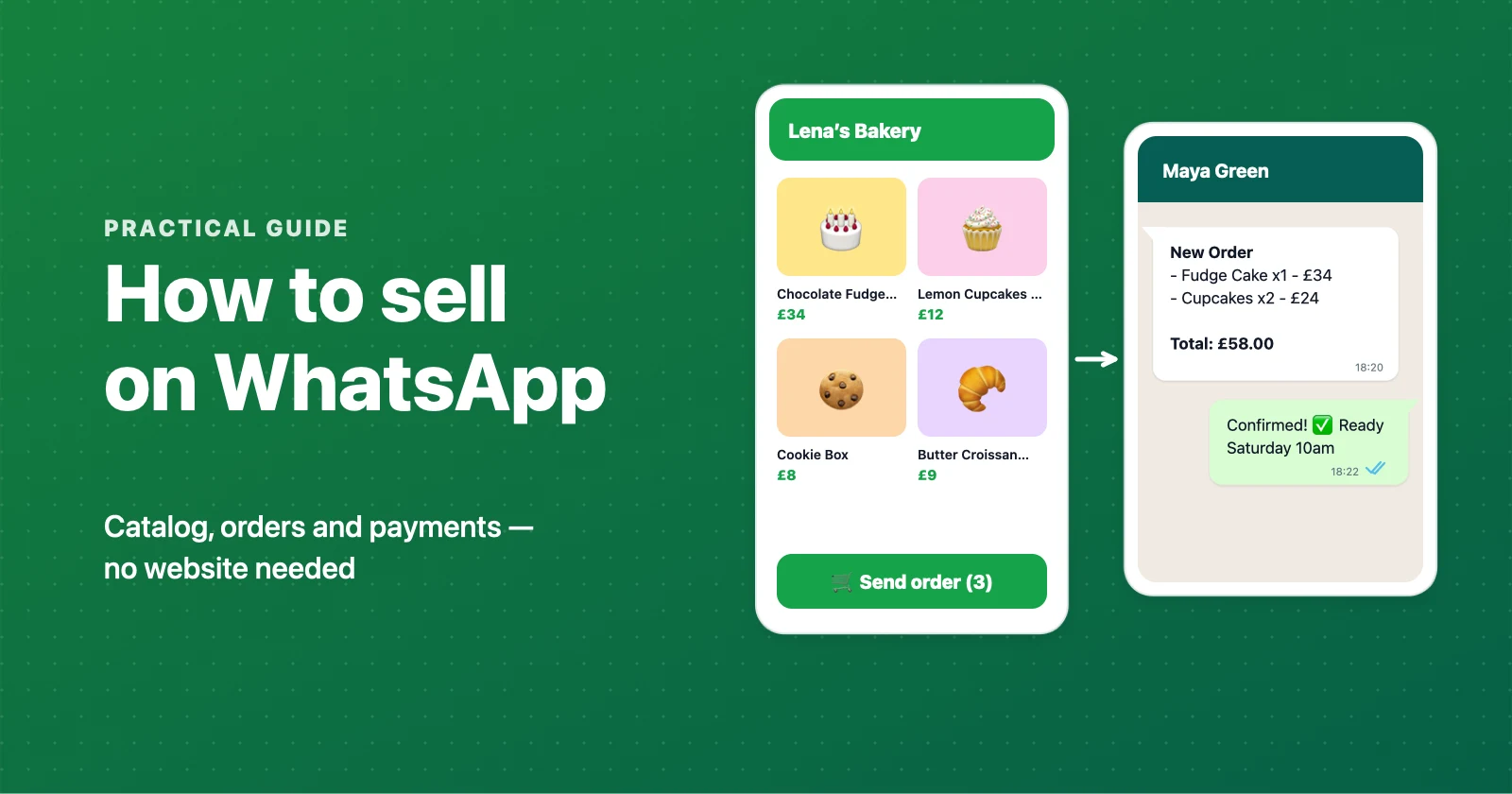
- Catalog + chat. You share one link to a browsable catalog. Customers pick what they want, and a structured order lands in your chat. This is the sweet spot for most sellers.
- Full webshop. On-site checkout and card payments. Worth it once you are shipping at scale — see WAStore vs Shopify for where that line is.
Most of this guide is about the middle option.
2. Set up your WhatsApp
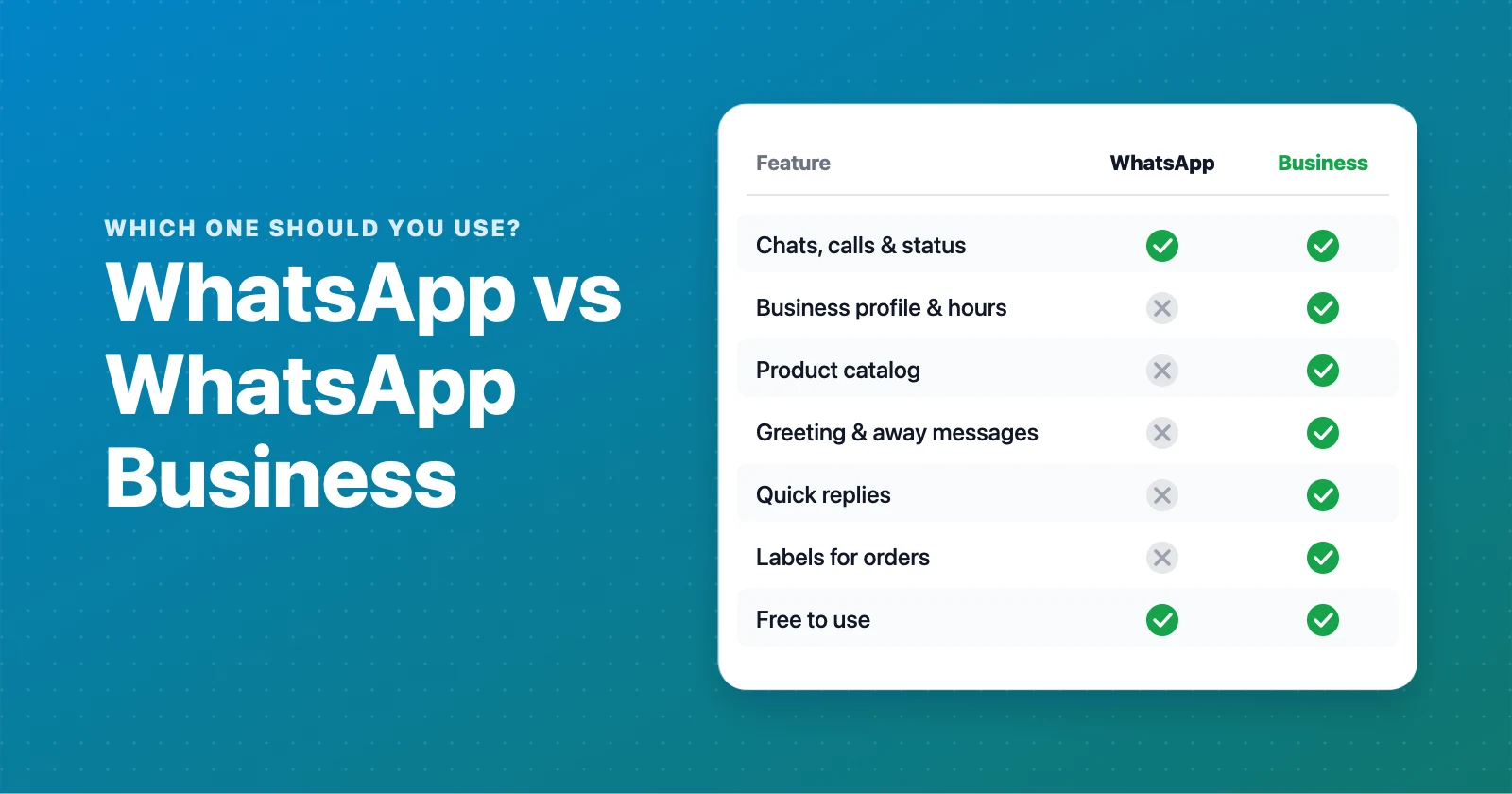
Use a number you can dedicate to the business if possible. The regular WhatsApp app is enough — you do not need the WhatsApp Business API to sell. The Business app adds a profile, quick replies, and labels, which are useful but optional — see WhatsApp vs WhatsApp Business for the full comparison, and grab our WhatsApp Business message templates for ready-made greeting and away messages.
3. Build a catalog customers can browse
A catalog does three jobs a chat cannot: it answers "what do you sell and how much" before anyone messages you, it stays up to date, and it gives every product a shareable link.
You can use the built-in catalog in the WhatsApp Business app, but it has real limits — no categories, no search, no cart, and it is hard to share outside WhatsApp. (More on that in WhatsApp Business catalog limits.)
A dedicated tool like WAStore gives you a proper storefront — categories, photos, stock status, and a cart — and still hands the finished order to your WhatsApp chat. It is free for up to 50 products and takes about 90 seconds to set up.
4. Share one link everywhere
Put a single store link in your Instagram bio, TikTok profile, WhatsApp status, and on a printed QR code. One link is easier to remember, easier to update, and lets you see what is working. See how to share a product catalog on WhatsApp for the specifics.
5. Make orders arrive complete
The biggest time sink in WhatsApp selling is reconstructing what the customer actually wants. Fix it by having the order arrive pre-formatted: product names, quantities, options, and the customer's details in one message. A WhatsApp ordering system does this with a cart, so you reply to confirm instead of interviewing every buyer.
6. Get paid
Keep payment in the conversation, on terms you control:
- A payment link (many local processors generate these).
- Bank transfer or UPI/instant transfer.
- Cash on delivery or pickup.
For higher-value items, ask for a deposit before you start. WhatsApp itself has payments in some countries; elsewhere a link works fine.
7. Keep a record
Note each order's status somewhere — "paid", "packed", "sent". A dashboard that lists pending and completed orders (WAStore has one) beats scrolling the chat, especially on a busy day.
Common mistakes
- No prices in the catalog. "DM for price" loses buyers. Show prices.
- One giant category. Group products so a browsing customer can find things.
- Selling out silently. Mark items out of stock so you are not apologising all day.
- No delivery info. State your area, cut-off times, and any fees up front.
Where to go next
- Set up a free catalog: Sell on WhatsApp with WAStore
- If you bake, cook, or make things: WhatsApp store for bakeries, for home cooks, for clothing boutiques
- Compare the options: all WhatsApp store builders
Build a free WhatsApp store in about 90 seconds
Catalog, cart and WhatsApp orders — free for up to 50 products.
Get started